Task 2.2: Create Game Loop
- Use a variable called
runningand set it toTrue - Make a
whileloop underneath this variable which will keep looping while the game is running - Inside your
while running:loop, loop through each event type and if the event type is quit, close the game. - At the end of your while loop, refresh the screen with
pygame.display.update()
💡 Hints
- Looping through each event type:
for event in pygame.event.get() - If the player closes the game
event.type == pygame.QUIT, you need to set a certain variable to False
🚩 Checkpoint
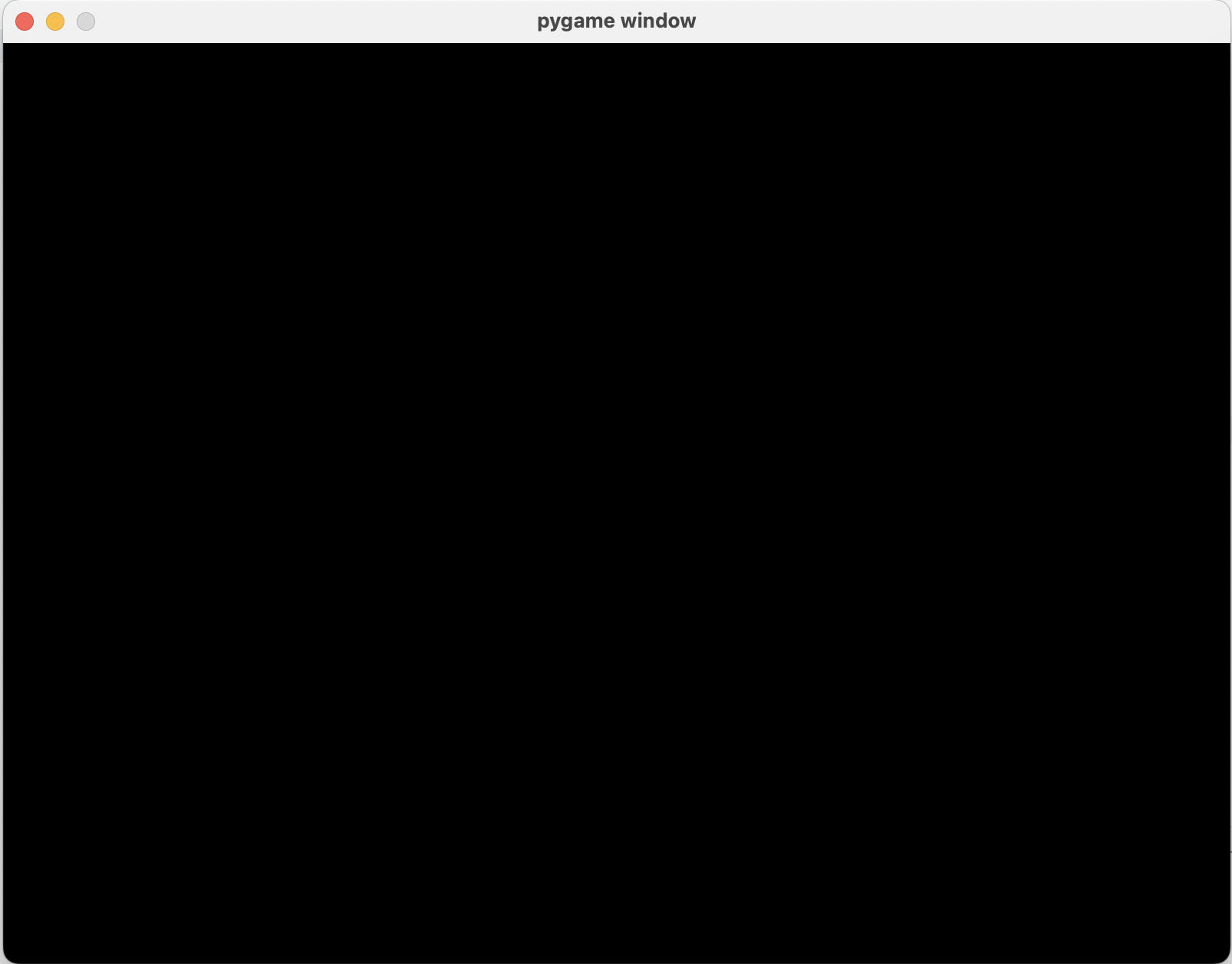
- No crashing! Your window should stay open until you click the X!
- You should see something like this: